¶ Live Stream
The "Live Stream" section provides the ability to view video streams from cameras connected to the system.
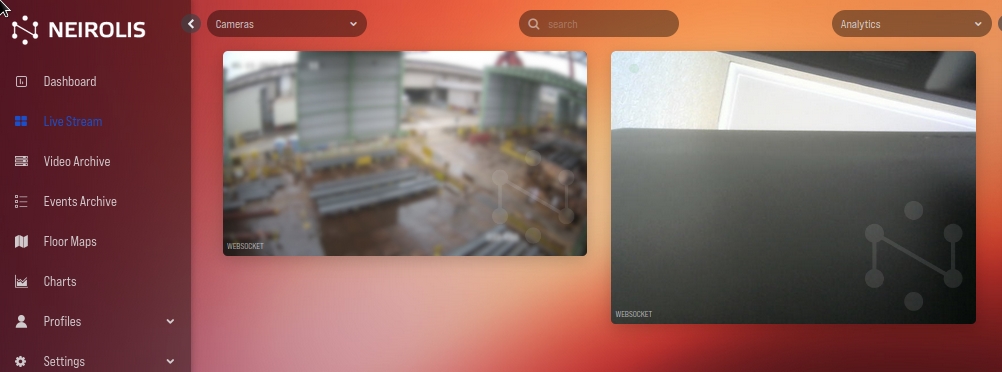
Cameras can be grouped by "sector" if this field is filled in the camera settings. In this case, under the "Live Stream" button in the platform menu, a drop-down menu will appear with a choice of either a group or all cameras.
The drop-down menu "Cameras" in the upper right corner of the main field of the platform allows you to select the cameras that should be displayed on the screen. You can search by camera name using the Search field at the top of the screen.